
circle-vector

PIPEDRIVE >> LEADFEEDER

Description

Leadfeeder is a robust lead generation and website visitor tracking tool that seamlessly integrates with CRMUP’s Pipedrive, transforming anonymous website traffic into actionable sales leads. This integration populates your pipeline with high-quality leads by identifying real companies visiting your website, capturing their activities, and simplifying your sales processes.

Key Benefits of Leadfeeder with CRMUP’s Pipedrive Integration

  • Real-Time Visitor Insights: Sign up for free, install the Leadfeeder Tracker script, and discover which companies are visiting your site and their activities, with updates every few minutes.
  • Automated Lead Management: Automatically push leads that meet specific criteria directly to Pipedrive, enabling your sales team to engage them effectively.
  • Enhanced Data Accuracy: “Leadfeeder Contacts” provides up-to-date contact information, reducing the time your team spends on prospecting and increasing time for outreach.
  • Account-Based Marketing: Upload and monitor a list of target accounts, getting instant notifications when these accounts visit your website.
  • Comprehensive CRM Integration: Website behavior of leads is recorded in Pipedrive, ensuring all key information is centralized for easy access.

Notable Achievements

  • Over 4,000 customers globally.
  • Top-rated app in Pipedrive’s Marketplace.
  • Recognized partner in Google Analytics Partner Gallery.

Ideal for Multiple Sales Stages

Leadfeeder identifies potential leads across all stages of the buyer journey, offering opportunities for cross-selling and up-selling even before your sales team is aware of these possibilities.

Setup and Installation

New to Leadfeeder:

  1. Learn more and sign up for a free account at Leadfeeder’s website.

Existing Leadfeeder Users:

  1. Integrate with CRMUP’s Pipedrive by visiting Leadfeeder Integrations.
  2. Select Pipedrive as your CRM and click “Continue” to authorize Leadfeeder’s access to your Pipedrive company.

Maximizing Integration

  • Define Qualification Criteria: Use filters to set preferred criteria, like targeting US-based tech companies with 50 or more employees who visited specific pages such as your pricing or contact page.
  • Customize Lead Handling: Specify actions for when leads meet your criteria, such as pushing leads to a particular pipeline stage or assigning them to a specific user.
  • Streamline Task Creation: Easily create new organizations, leads, deals, or tasks directly within the app, enhancing workflow efficiency.

By leveraging Leadfeeder with CRMUP’s Pipedrive, your sales and marketing organization can tap into a wealth of just-in-time lead data, making your outreach more strategic and informed, ultimately driving greater sales success.
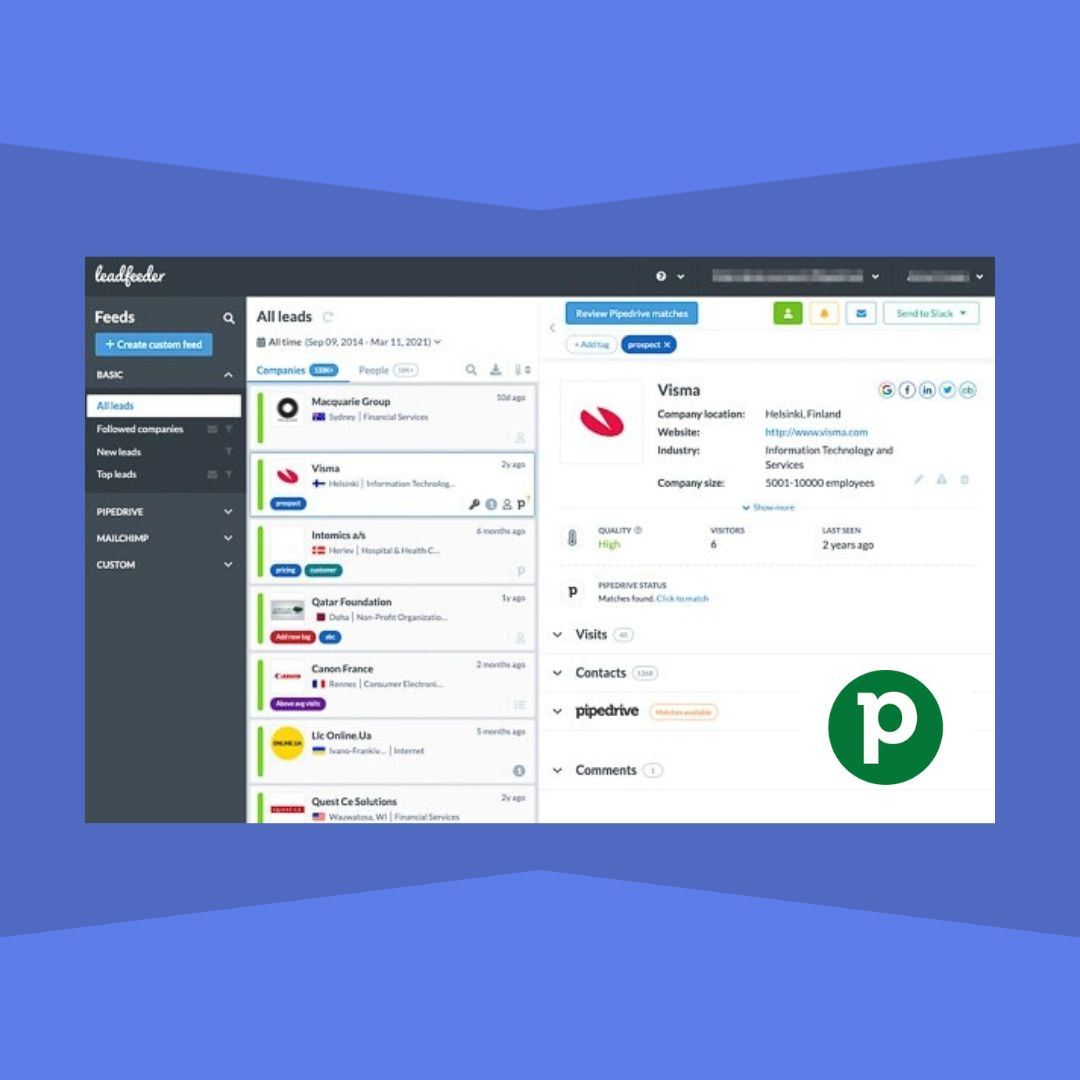
pipedrive integration
circle-vector

Chat with us today!

This field is hidden when viewing the form

Contact us to get a free consultation for Leadfeeder CRM integration services!